
Best Devices for IPTV Streaming in 2026
The best IPTV device is the one that suits your room and your patience. Here is how the six options compare.
There is no single best device — a Firestick is the easiest quick win, an Android box suits a permanent living-room setup, and a Smart TV is the tidiest if a player is available.
Compare them below, then jump to the guide for whichever you pick.
In this guide
Six Options Side by Side
Ordered roughly from cheapest to most involved.
| Device | Cost | Setup | Best For |
|---|---|---|---|
| Firestick | Low | Very easy | Most people — quick, cheap, 4K capable |
| Android TV box | Low–mid | Easy | Permanent setups; widest player support |
| Smart TV app | None extra | Easy | Keeping the cabinet tidy |
| Apple TV | High | Easy | Apple households wanting polish |
| Phone / tablet | None extra | Easy | Travel and second rooms |
| Windows PC | None extra | Easy | VLC users who want it running now |
How to Choose
Three questions settle it for almost everyone.
Is It a Permanent Setup?
If the television stays put, use Ethernet. A box or a stick with an adapter beats relying on Wi-Fi forever.
Android TV guideDo You Need 4K?
4K needs a capable device, a 4K channel and 25 Mbps+ of stable bandwidth. Otherwise HD is plenty.
IPTV 4K guideDo You Want Control?
Android gives you buffer settings, players and sideloading. Apple and Roku are more locked down.
IPTV apps guide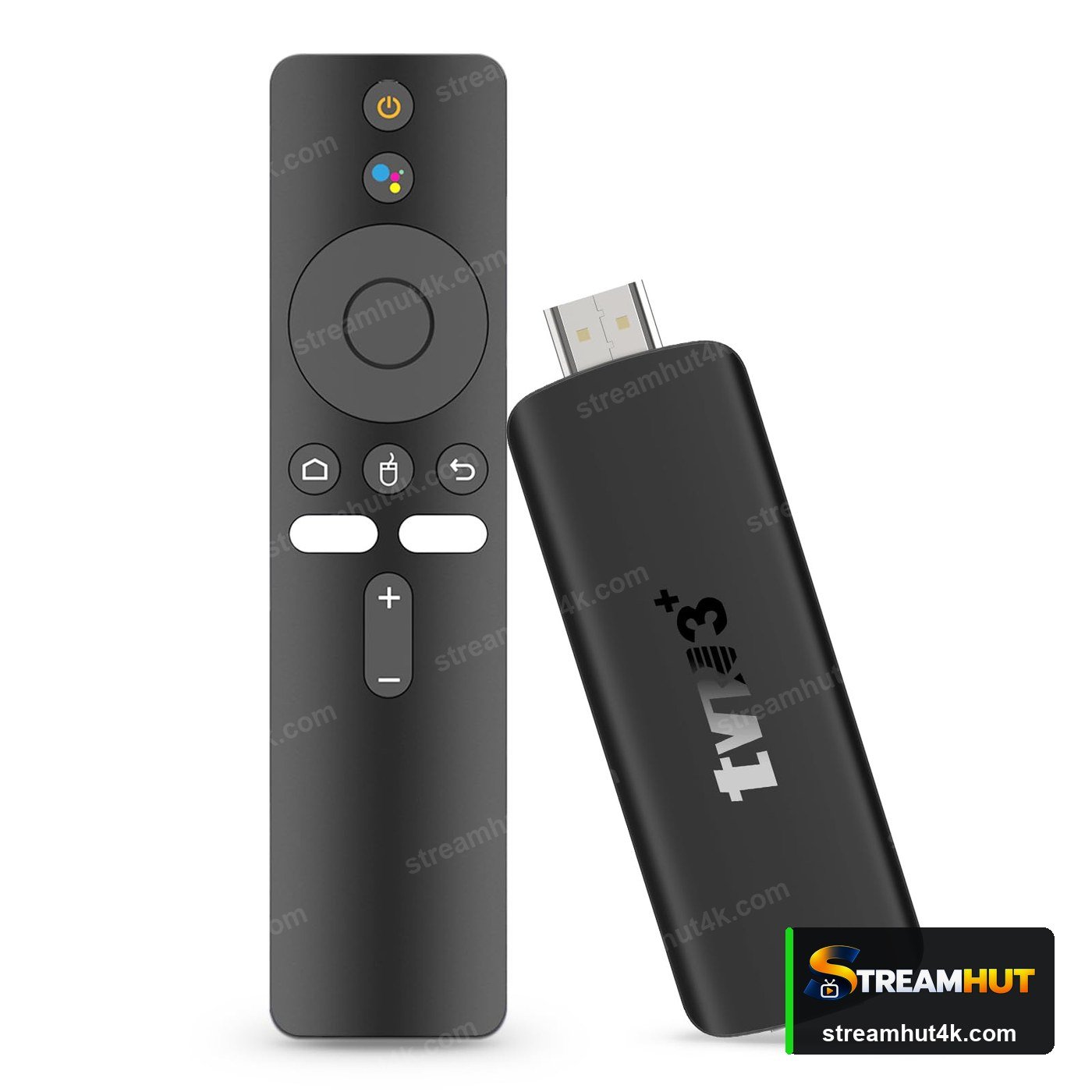
Read the Guide for Your Pick
Each one covers requirements, setup steps and the settings that matter.
IPTV Devices — Common Questions
Quick answers to the most common questions.
A Firestick 4K for most people — inexpensive, fast to set up and supported by every major player. If you want Ethernet and more control, choose an Android TV box.
No. Any device that can install a player works. A dedicated box only helps if your television cannot install one itself.
Any 4K-capable stick, box or television with enough bandwidth — at least 25 Mbps stable. See IPTV 4K for the full requirements.
The built-in app is tidier, but a stick usually supports more players and updates faster. Pick the Smart TV route if your model has the player you want.
Yes. A Firestick or Android box runs Netflix, YouTube and everything else alongside your IPTV player — switch between them from the home screen.
Related IPTV Guides
Ready to Try Stream Hut 4K?
Test the service on your own device and connection before you commit.